
Canon FAXPHONE L170 Super G3 User Manual

This document is the user manual for Canon Faxphone L170 Super G3. It provides detailed instructions on how to use the product, including how to make and receive calls, send and receive faxes, and use other fax functions.
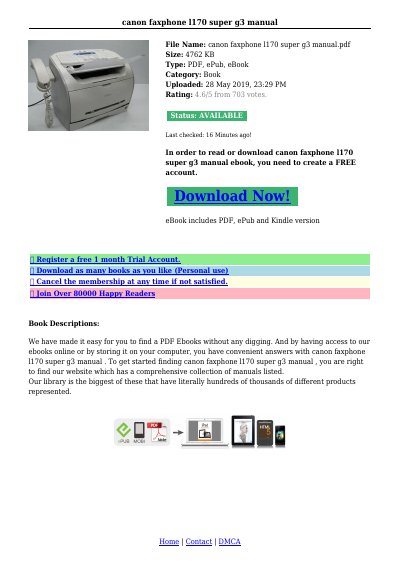

Canon FAXPHONE L170 Super G3 User Manual - cover page
Brand
Canon
Category
Fax machine
Document type
User Manual
Language
English
Pages
8
File format
PDF
File size
166 KB
Published
15 October, 2023
Updated
15 October, 2023
MD5 checksum
66A99DD4E3B37454A6FC16F789151E93

About this manual

The Canon FAXPHONE L170 Super G3 is a compact machine designed for desktop use that functions as a printer, fax machine, copier, and telephone. It allows users to print documents or make copies while simultaneously sending faxes. The manual covers unpacking the unit, attaching components like the paper cassette, and connecting power cords.

What's inside

  • Getting Acquainted With Your Machine
  • Attaching Components
  • Assembling the Machine
  • Using Your Documentation
  • Speed Dialing
  • Preparing to Send a Fax
  • Receiving a Fax

Frequently asked questions

What is the maximum length for the power cord?

For best results, use a cable that is no more than 5 meters long.

Does the machine have a power switch?

No, the machine has no power switch and remains on as long as it is plugged in.

Download PDF (166 KB)

More Canon Manuals


View all Canon manuals →