
This is a PDF file. The document introduces the user manual of FAXPHONE.B540/550. It includes the explanation of various symbols, terms and abbreviations, as well as the documents, menu, numeric buttons, arrow buttons, stop button, start/copy button, transaction number, TVRX NO. XXXX, NOTE, etc.
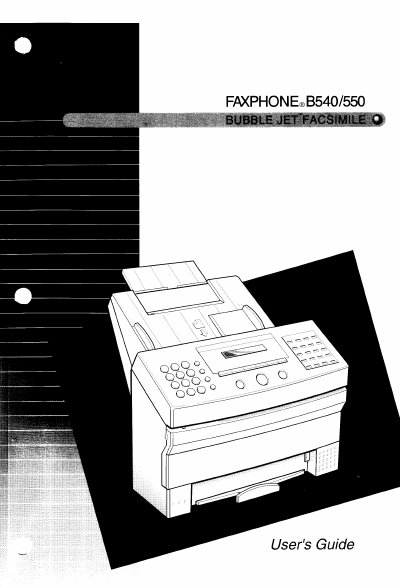
The Canon FAXPHONE B540/550 is a Bubble Jet facsimile machine designed for small to medium-sized offices with a single telephone line. It features automatic switching between fax and voice calls, error correction mode (ECM), and the ability to register up to 69 locations for group dialing. The device uses cut-sheet plain paper and includes a one-hour battery backup.
The machine uses cut-sheet plain paper to produce crisp reproductions of fax documents and copies.
You can register up to 69 locations to send a fax to an entire group in one dialing.