
Canon FAXPHONE L100 Basic Operation Guide

This document introduces the basic use of the Canon multifunction machine
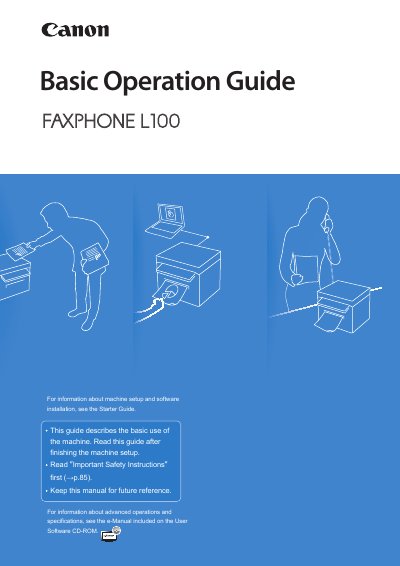

Canon FAXPHONE L100 Basic Operation Guide - cover page
Brand
Canon
Category
Office Equipment
Document type
User Manual
Language
English
Pages
96
File format
PDF
File size
6.1 MB
Published
15 October, 2023
Updated
15 October, 2023
MD5 checksum
8E971E2C276A7599CBA286128315DEEB

About this manual

The Canon FAXPHONE L100 is a multifunction device capable of copying, faxing, and printing. This Basic Operation Guide describes common use and basic functions after the initial setup described in the Starter Guide.

Key features include one-touch dialing, coded dialing, group receiving, and various print options such as enlarging/reducing, poster printing, and watermarking. The guide also details maintenance procedures like cleaning the machine and replacing toner cartridges.

What's inside

  • Learn the Names and Functions of Each Part
  • Switch between Copy and Fax Mode
  • Enter Text
  • Set Date and Time
  • Load Documents in the Feeder
  • Make a Basic Copy
  • Enlarge or Reduce Copies
  • Adjusting the density
  • Register Numbers in the Address Book
  • Send a Fax

Frequently asked questions

What is the purpose of the Starter Guide?

The Starter Guide describes setting up the machine and installing the software.

Where can I find information about advanced operations?

Advanced operations and specifications are included in the e-Manual on the User Software CD-ROM.

How do I indicate a warning that may lead to injury?

The text uses a specific symbol labeled 'A WARNING' for situations that may lead to death or injury.

Download PDF (6.1 MB)

More Canon Manuals


View all Canon manuals →