
Canon FAXPHONE L80 Super G3 User Manual

This file is about the manual of canon faxphone l80 super g3 manual, which mainly introduces the function characteristics and usage of the product.
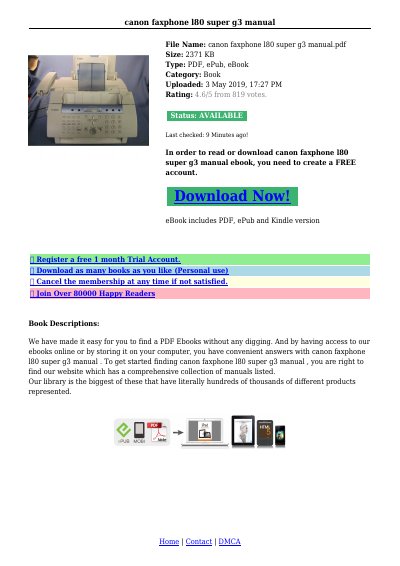

Canon FAXPHONE L80 Super G3 User Manual - cover page
Brand
Canon
Category
Other Electronics
Document type
User Manual
Language
English
Pages
8
File format
PDF
File size
170 KB
Published
15 October, 2023
Updated
15 October, 2023
Model
L80
MD5 checksum
DCE406815454D74AF01A6460C32B72BC

About this manual

This document is the user manual for the Canon FAXPHONE L80 Super G3, a multifunction system designed for home or small office use. It combines essential office functions into a single desktop machine. The guide provides instructions on unpacking, assembly, and connecting the device to a power outlet and telephone line. It also details how to install the FX3 S Cartridge and load paper.

What's inside

  • Main Features
  • Using Your Documentation
  • Unpacking the FAXPHONE
  • Setting Up
  • Document Handling
  • Speed Dialing
  • Sending a Fax
  • Memory Sending
  • Warranty Information
  • Customer Support

Frequently asked questions

What type of telephone line extension is recommended for use with the FAXPHONE L80?

A dedicated extension off a PBX machine without 'Call Waiting' is permitted, but key telephone systems are not recommended because they may cause fax errors.

What is the approximate page yield of the starter cartridge included with the machine?

The FX3 S Cartridge that comes with the machine yields approximately 1,500 pages of printouts.

What voltage and outlet type is required to connect the FAXPHONE L80?

You must connect the machine to a properly grounded 120 V AC threeprong outlet.

Download PDF (170 KB)

More Canon Manuals


View all Canon manuals →