
This manual describes how to set up the Canon L100 printer, including installation, connecting the power cord, connecting the computer, loading paper, etc., as well as how to set the language, country and region, current time, etc. initial settings.
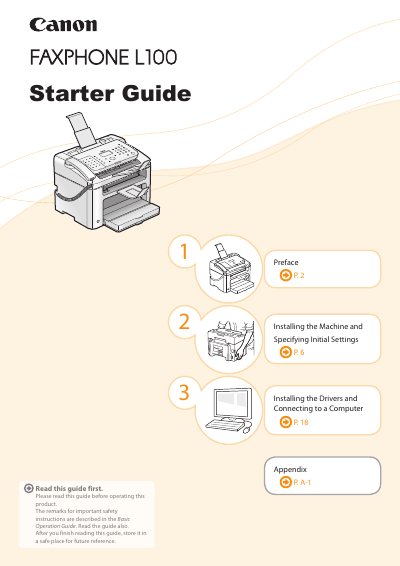
This document serves as a starter guide for the Canon FAXPHONE L100. It provides instructions on installing the machine, specifying initial settings such as region and language, and connecting to a computer via USB for printing and faxing functions.
The guide also details how to prepare and install the supplied toner cartridge, lists the included accessories, and describes the software drivers available on the User Software CD-ROM for Windows and Macintosh operating systems.
| Average Yield (Supplied) | 1,000 sheets |
|---|---|
| Installation Space (Depth) | 28 1/2" (724 mm) |
The average yield of the included Canon Cartridge 128 Starter is 1,000 sheets.
No, the machine does not come with a USB cable; users must have one ready if needed.