
This document is a quick installation guide for the WN1000RP Universal Wireless Range Extender. It mainly introduces the hardware description, indicator lights and ports, initial setup, and advanced configuration of the product.
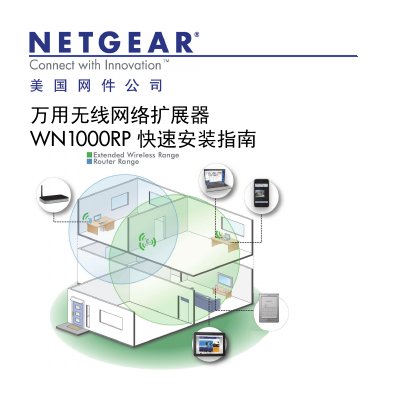
The document serves as a quick installation guide for the NETGEAR WN1000RP Universal Wireless Range Extender. It details the device's hardware components, including LED indicators and ports, and explains how to power on and reset the unit.
The guide covers two primary setup methods: using WPS for rapid connection or configuring via a web browser at www.mywifiext.net. It also includes instructions for advanced configuration, performance optimization tips based on LED status, and answers to common questions regarding password issues and connectivity. This manual is written in Chinese.
| Default Username | admin |
|---|---|
| Default Password | password |
The default username is admin and the default password is password, both in lowercase letters.
Press and hold the Reset button with a paperclip or similar pointed object until the Power LED flashes, then release.
A red Connection Status LED indicates that the extender's performance is poor.