
This document provides instructions for installing and using the Aviator flight stick, as well as details about the different modes and configurations for PS3 and PC.
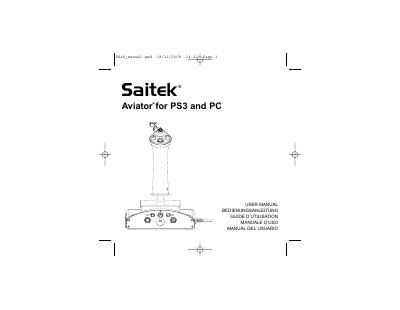
The Saitek Aviator joystick is designed for use with PC and PS3 systems. It features a USB connection and includes a wrist rest that must be attached to the base of the stick before use. The manual provides step-by-step instructions for installing the device on both platforms and downloading the necessary software drivers from the manufacturer's website.
| Warranty Period | 2 years from date of purchase |
|---|
You can switch between modes by sliding the switch on the right side of the joystick base to either mode M1 or M2.
PC users should select mode M2, as the joystick will not function correctly with a PC if you use mode M1.
You can download the Aviator joystick's software driver by going to www.saitek.com.