
The ATEN CS1732 B / CS1734 B USB‑2.0 KVMP Switch manual explains installation, configuration, operation, and troubleshooting for two‑ and four‑port KVM…
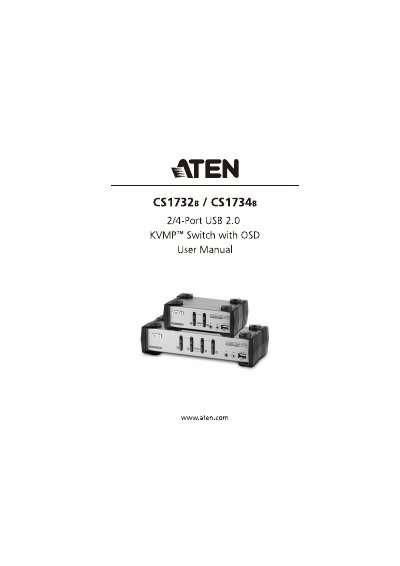
This manual provides step‑by‑step instructions for installing and using the ATEN CS1732 B and CS1734 B KVMP switches. It covers hardware setup, cable connections, basic port switching, keyboard and mouse emulation, OSD navigation, firmware upgrades, and safety guidelines.
The document also includes technical specifications, troubleshooting tips, and warranty information to help users maintain reliable operation of the switches in multi‑computer environments.
| Computer ports | 2 (CS1732 B) / 4 (CS1734 B) |
|---|---|
| Video resolution | 2048 x 1536 @ 60 Hz |
| Operating temperature | 0 °C – 50 °C |
| Dimensions (W × H × D) | 13.98 × 8.80 × 5.55 cm (CS1732 B); 21.00 × 8.80 × 5.55 cm (CS1734 B) |
| Weight | 0.55 kg (CS1732 B) / 0.78 kg (CS1734 B) |
| USB hub ports | 2 (CS1732 B) / 4 (CS1734 B) Type‑A |
Unplug the USB cable from the switch’s rear panel and plug it back in, or use the USB reset hotkey (F5).