
The ATEN CN9900 / CN9950 Quick Start Guide provides a hardware overview, installation steps, and IP configuration for the 4K DisplayPort KVM over IP Switch.
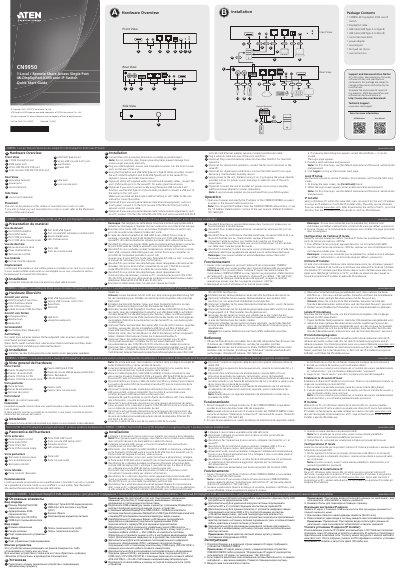
The guide begins with a hardware overview and a list of package contents, including the CN9950 switch, DisplayPort and USB cables, a power adapter, mounting kit, and a control terminal block. It describes the front and rear ports such as the single 4K DisplayPort KVM, audio ports, COM ports, and four LAN ports.
Installation instructions cover grounding the unit, connecting keyboard, mouse, monitor, and optional audio devices, as well as powering the switch. The operation section explains how to access the device via a web browser, use the default IP address (192.168.0.60), and log in with the default credentials (administrator / password). It also details local IP configuration and the optional IP Installer utility for Windows.
| Supported video resolution | 4K |
|---|---|
| Number of LAN ports | 4 |
| Default IP address | 192.168.0.60 |
| Power supply | AC adapter included |
The default IP address is 192.168.0.60.
Use the username "administrator" and the password "password" for the first login.
Yes, the unit can be placed on a flat surface, rack‑mounted, or wall‑mounted as described in the placement section.