
The ATEN CL5808/CL5816 KVM switch user manual covers installation, operation, OSD control, firmware updates and technical specifications.
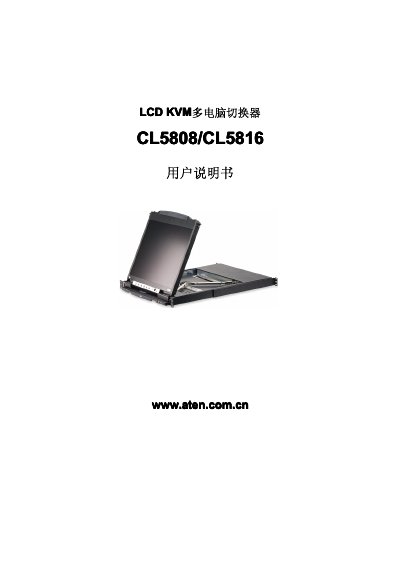
This manual provides step‑by‑step instructions for installing the ATEN CL5808/CL5816 KVM switch, including rack‑mount options, cable connections, and safety precautions. It also describes basic operation such as turning the control unit on/off, hot‑key functions, and OSD menu navigation.
Additional sections cover firmware update procedures, simulated keyboard layouts for Mac and Sun systems, and a detailed appendix with product specifications, connector types, power requirements, and environmental limits. This manual is written in Chinese.
| Maximum connected computers | 8 |
|---|---|
| External control port connector | 1 x SPHD‑18 (male) |
| USB peripheral port | 1 x USB Type‑A (female) |
| Operating temperature range | 0 °C to 50 °C |
The switch can connect up to eight computers directly.
It uses a SPHD‑18 male connector.
The device operates between 0 °C and 50 °C.