
User manual for ATEN PN7212 and PN7320 Power Distribution Units covering installation, configuration, and operation.
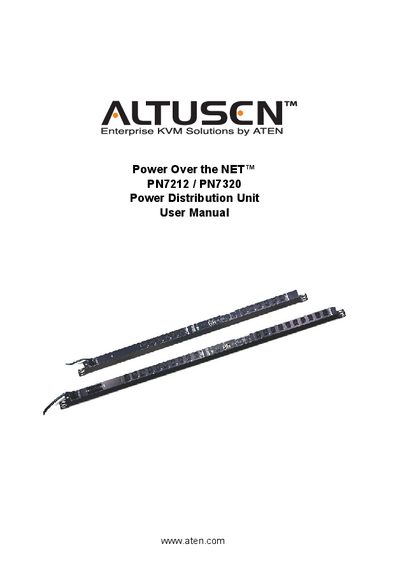
This manual provides step‑by‑step instructions for installing, configuring, and operating the ATEN PN7212 and PN7320 Power Distribution Units. It includes safety notices, hardware setup, network configuration, and management of users, groups, and outlets.
The document also covers advanced features such as remote access, log server installation, firmware upgrades, and troubleshooting. Appendices contain specifications, sensor data, and warranty information.
| Direct Power Outlets | PN7212: 12, PN7320: 20 |
|---|---|
| Total Input Rating | PN7212: 100‑120 V / 16 A, PN7320: 100‑120 V / 24 A |
| Load Capacity | PN7212: 1920 W, PN7320: 2880 W |
| Operating Temperature | 0 °C – 50 °C |
| Weight | PN7212: 4.49 kg, PN7320: 5.68 kg |
The PN7320 provides 20 direct power outlets.
Use a 100‑120 V, 50/60 Hz supply rated for 16 A.
Register the product at ATEN’s online support center as indicated in the manual.