
NETGEAR R6800 AC1900 Smart Wireless Router Quick Start Guide

This document describes the installation steps and connection methods of AC1900 Smart Wireless Router model R6800, as well as information on accessing free applications and technical support.
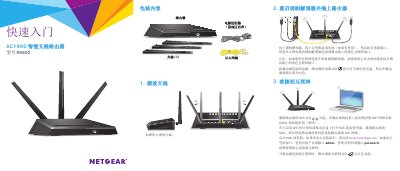

NETGEAR R6800 AC1900 Smart Wireless Router Quick Start Guide - cover page
Brand
NETGEAR
Category
Router
Document type
Quick Start Guide
Language
Chinese
Pages
2
File format
PDF
File size
1.3 MB
Published
28 September, 2022
Updated
28 September, 2023
MD5 checksum
6070536835FF16681018D5171ACBB6D3

About this manual

This guide explains how to set up the NETGEAR R6800 AC1900 Smart Wireless Router. It details the steps for placing the antennas, connecting the power and Ethernet cables, and configuring the initial WiFi network connection. This manual is written in Chinese.

What's inside

  • Quick Start
  • Antenna Placement
  • Package Contents
  • Connecting to the Internet
  • Accessing the Setup Page
  • Downloading Applications
  • Technical Support

Frequently asked questions

What is the default administrator username for the router login window?

The default administrator username is admin.

What is the default administrator password for the router login window?

The default administrator password is password.

Download PDF (1.3 MB)

More NETGEAR Manuals


View all NETGEAR manuals →