
This document is the setup manual for the N150 Wireless Router WNR1000 by NETGEAR. The manual provides information about the hardware features, installation steps, and configuring the wireless network for this product.
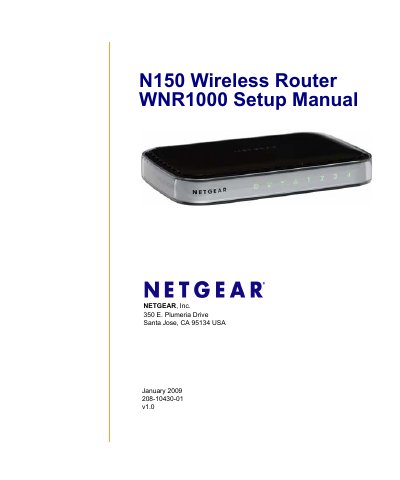
Congratulations on your purchase of a NETGEAR high-speed wireless router, the N150 Wireless Router WNR1000. Before you begin installing your router, check the package contents which include the router, a snap-on stand, an AC power adapter, a yellow Ethernet cable, and a Resource CD containing the Smart Wizard Installation Assistant and this manual.
To prepare your router for installation, carefully peel off the protective film covering the sides of your router. Set up your wireless router by inserting it into the supplied stand. Place your router in a suitable area near an AC power outlet and accessible to Ethernet cables for your wired computers.
| Maximum Wireless Signal Rate | Up to 150 Mbps |
|---|---|
| LAN Port Speed | 10/100 Mbps Ethernet ports |
| Default Login URL | http://www.routerlogin.net |
| Default Login Name | admin |
| Default Login Password | password |
The default login name is admin and the default password is password.
Press the Restore factory settings button on the back panel for approximately 5 seconds.
The operating mode supports up to 150 Mbps.