
This document is the user manual for Vivitar DVR 528 digital video camera, which introduces the camera's features and usage methods.
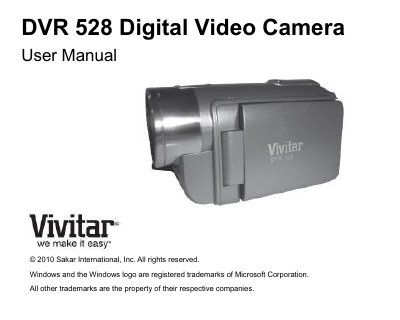
This document is the official user manual for the Vivitar DVR 528 digital video camera. It provides comprehensive instructions on initial setup, including language selection, date/time configuration, and battery installation. The guide details how to operate the device in Video Capture, Photo Capture, and Playback modes using the LCD screen and control buttons.
| Image Resolution (5M) | 2592x1944 pixels |
|---|---|
| Video Resolution | 1280X720 (HD), 640X480(VGA) |
| External Memory | SD Card (up to 8GB) |
| LCD Display | 1.5 Inch TFT |
| Zoom | 4X Digital Zoom |
| Battery | 3 * AAA (1.5V) batteries |
The camera needs an SD Memory card with a capacity of up to 8GB.
You need a Pentium 4 processor or above with Windows XP service pack 2, Vista, or 7.
Press the DV/DSC button on the bottom left of the LCD Panel to switch between modes.