
This user manual introduces the features of the DVR 620 digital video camera, including how to use the camera, change camera mode, connect the camera to a TV, install software and more.
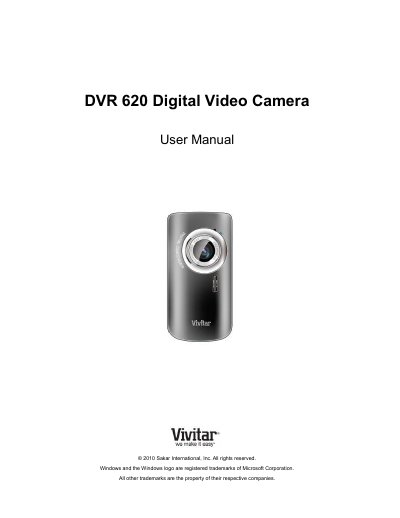
This manual provides instructions for the Sakar DVR 620 digital video camera, including initial setup, operating modes, and usage. The camera supports video and photo capture with a 5-megapixel CMOS sensor and includes features like 4x digital zoom and an 1.8-inch LCD screen. It requires an SD memory card (up to 16GB) and two AA alkaline batteries to operate.
| Image Sensor | CMOS Sensor |
|---|---|
| Image Resolution | 2592x1944 pixels (5M) |
| Video Resolution | 640X480pixels (30fps) |
| External Memory | SD Card (up to 16GB) |
| LCD Display | 1.8 Inch TFT |
| Lens | f=3.0mm F2.8 |
| Zoom | 4X Digital Zoom |
| Interface | USB 2.0 (HS) |
| Battery | 2 x AA alkaline batteries |
| Working Temperature | 0~40 ℃ |
The camera needs an SD Memory card with a capacity of up to 16GB.
Press the MODE button on the camera after it has been powered ON.
The default mode is Video Capture Mode.
A Pentium 4 processor or above with Windows XP, Vista, or 7, 512 MB RAM, and 100MB free disk space are required.