
DVR 410 Digital Video Camera User’s Manual, introduces the features and characteristics of the product, including video mode, camera mode, playback mode, TV output function, etc.
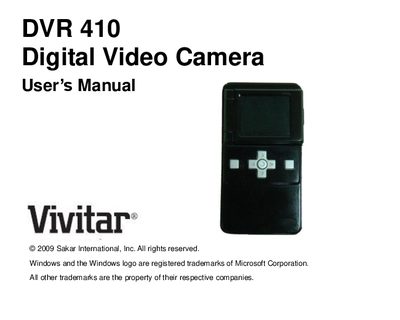
This manual introduces the Vivitar DVR 410 digital video camera, outlines its key features, and lists the items included in the package. It also details the system requirements for Windows, Vista, and Macintosh computers needed to transfer media using the Vivitar Experience Image Manager software.
The guide walks you through battery installation, inserting an SD/MMC memory card, operating modes (video, photo, playback), TV‑out function, and how to connect the camera to a computer. It finishes with warranty information, technical support contacts, specifications, and troubleshooting tips.
| Digital Video resolution | 640×480 pixels (30 fps) / 320×240 pixels (30 fps) |
|---|---|
| Digital Photo resolution | 1280×1024 pixels / 640×480 pixels |
| Image sensor | CMOS sensor |
| LCD display | 1.8" TFT color, 24‑bit RGB |
| External memory | SD/MMC card up to 16 GB (required) |
| Battery type | 3 AAA batteries (1.5 V each) |
| Transmission interface | USB 1.1 |
| Working temperature | 0 °C to 40 °C |
The camera uses three AAA batteries.
A compatible SD/MMC memory card up to 16 GB must be inserted to capture videos and photos.
It records video at 640 × 480 pixels (VGA) or 320 × 240 pixels (QVGA) at 30 fps.