
Introduces how to use the Accumulated Data Correction function of the Amano Cincinnati Time Recorder
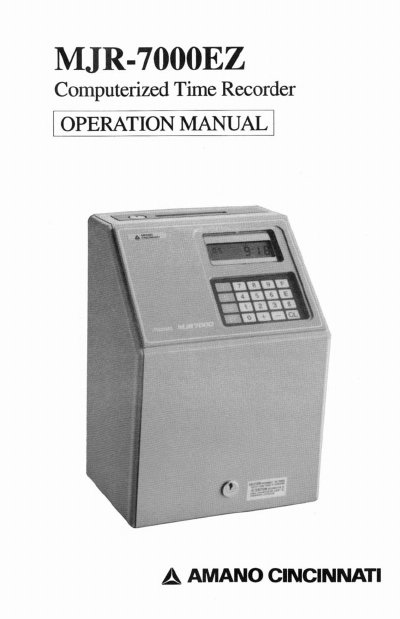
This document is the Operation Manual for the Amano MJR-7000EZ, a computerized time recorder designed for recording employee IN/OUT times. The manual details the external view of the device, including the LCD display, keypad, and key switch, and provides specifications for power and environmental conditions.
The guide covers initial preparation steps such as installing the battery and clearing memory, followed by detailed instructions on setting the time and date in military format. It also explains how to program the device using specific address codes for company-wide settings and individual shift programming, as well as how to use various types of punch cards for time recording and reporting.
| Power | AC 120V +/- 10%, 60Hz |
|---|---|
| Ambient Conditions | -10°C ~ 40°C |
| Humidity | 20% ~ 90% (non-condensing) |
| Dimensions | 340mm(H) x 240mm(W) x 200mm(D) |
| Weight | 8.5 Kg (19 lbs) |
| Clock Accuracy | +/- 3 second deviation per week |
All time data must be entered in military format (0 - 23 hours).
Put the #700 key into the key switch hole, turn it to FUNCTION mode, press [9][2][E], and then turn the key back to NORMAL mode.
Addresses 050-069 are for shift 1, 100-119 for shift 2, and 150-169 for shift 3.