
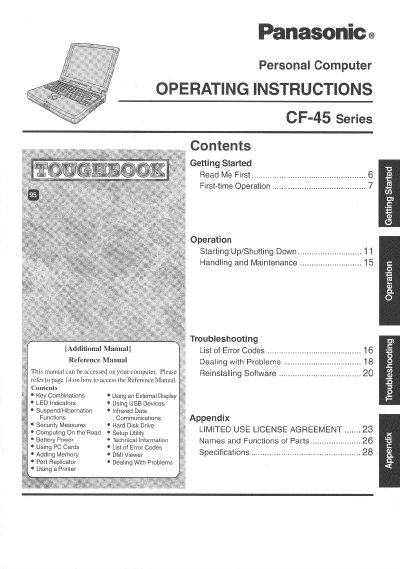
This document provides operating instructions for the Panasonic CF-45 Series personal computer. It includes guidance on getting started, first-time operation, and general handling precautions such as avoiding extreme temperatures and magnetic fields. The manual also details procedures for starting up and shutting down the system, as well as using various peripherals like USB devices and PC Cards.
| Operating Temperature | 5 °C to 35 °C |
|---|---|
| Storage Temperature | -20 °C to 60 °C |
| Product Type | Personal Computer |
No, the battery should only be exchanged by service personnel due to the risk of explosion from incorrect installation.
The computer should be operated between 5 °C and 35 °C and stored between -20 °C and 60 °C.
The manual does not recommend using an interface cable longer than 3 m.
The lithium battery should only be exchanged by service personnel.