
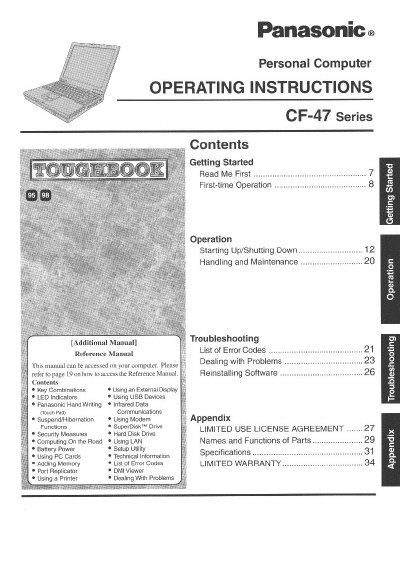
Panasonic CF-47 Series Personal Computer Operating Instructions


Panasonic CF-47 Series Personal Computer Operating Instructions - cover page
Brand
Panasonic
Category
Laptops
Document type
User Manual
Language
English
Pages
36
File format
PDF
File size
1.6 MB
Published
08 August, 2012
Updated
30 August, 2012
Model
CF-47
MD5 checksum
8BB3EB69FB0FE85F1546BDA2A825DAEC

About this manual

This manual provides operating instructions for the Panasonic CF-47 Series personal computer. It includes guidance on getting started with the device, proper handling and maintenance procedures, and how to access additional reference materials stored on the computer.

The document covers essential user tasks such as starting up and shutting down the system, using various input methods like handwriting recognition and infrared data communications, managing battery power, and utilizing external devices including USB drives, PC Cards, and printers. It also details security measures and setup utility usage.

What's inside

  • Getting Started
  • Operation
  • Starting Up/Shutting Down
  • Handling and Maintenance
  • Troubleshooting
  • Key Combinations
  • Using an External Display
  • LED Indicators
  • Security Measures
  • Specifications

Frequently asked questions

What is the correct format for entering the model number on the Customer's Record?

You must insert an 11-digit number located on the bottom of the computer.

What is the maximum total REN allowed for devices connected to a telephone line?

The sum of RENs should not exceed five (5.0) in most areas.

Who is the responsible party for FCC compliance regarding this equipment?

Matsushita Electric Corporation of America in Secaucus, NJ.

Download PDF (1.6 MB)

More Panasonic Manuals


View all Panasonic manuals →