
Panasonic CF29ETKGZKM Manual

This is the operating manual for Panasonic CF-29 series notebook computers.
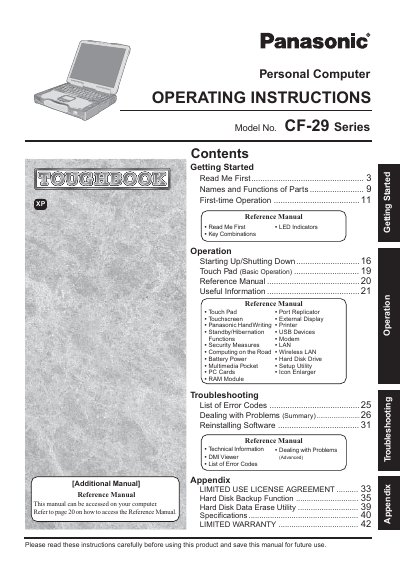

Panasonic CF29ETKGZKM Manual - cover page
Brand
Panasonic
Category
Laptops
Document type
User Manual
Language
English
Pages
44
File format
PDF
File size
2 MB
Published
08 August, 2012
Updated
30 September, 2023
MD5 checksum
73EB855D7E75E2A811674ED6110A90FF

About this manual

This document provides operating instructions for the Panasonic CF-29 Series Personal Computer, also known as the Toughbook. It covers initial setup, names and functions of parts, first-time operation procedures, and basic usage of the touchpad and touchscreen. The manual includes guidance on starting up and shutting down the device, using the touchpad, and accessing the Reference Manual stored on the computer.

What's inside

  • Getting Started
  • TOUGHBOOK Read Me First
  • Names and Functions of Parts
  • First-time Operation
  • Operation
  • Reference Manual
  • Troubleshooting
  • Specifications
  • Limited Warranty
  • Limited Use License Agreement

Frequently asked questions

What is the minimum required spacing between a wireless antenna and a person's body during operation?

A minimum of 1.5 cm must be provided between the antenna and all parts of a person's body, excluding hands, wrists, and feet.

What is the maximum total REN sum allowed for devices connected to a telephone line?

In most areas, the sum of RENs should not exceed five (5.0).

What action is required if a user encounters functions that are not executable or screens that are not displayed?

The user must log on with administrator authority to enable these functions and display the screens.

Download PDF (2 MB)

More Panasonic Manuals


View all Panasonic manuals →