
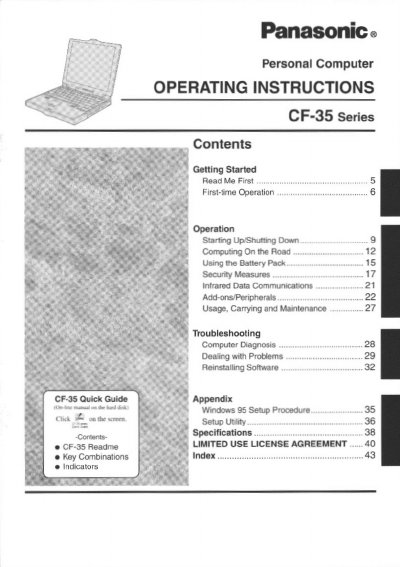
This document provides operating instructions for the Panasonic CF-35 series personal computer. It includes information on key combinations, indicators, and specific usage guidelines such as handling lithium batteries and avoiding environmental hazards like extreme heat or humidity.
The manual details various aspects of using the device, including introduction to illustrations used in the text, copyright information, and safety warnings regarding power connections and fuse replacement.
The computer should be operated between 5 °C to 35 °C (41 °F to 95 °F) and stored between -20 °C to 60 °C (-4 °F to 140 °F).
The lithium battery should only be exchanged by service personnel due to the risk of explosion from incorrect installation.
The use of an interface cable longer than 3 meters (9.84 feet) is not recommended.