
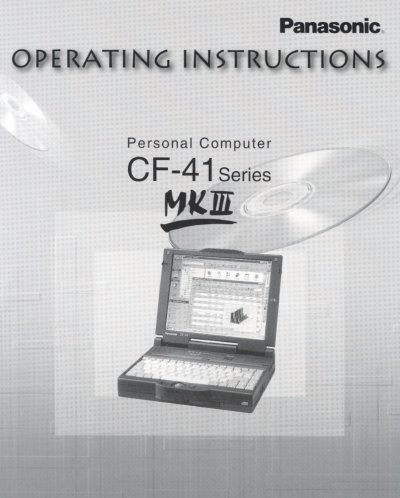
Panasonic CF-41MKIII Personal Computer Operating Instructions


Panasonic CF-41MKIII Personal Computer Operating Instructions - cover page
Brand
Panasonic
Category
Laptops
Document type
User Manual
Language
English
Pages
56
File format
PDF
File size
4.9 MB
Published
08 August, 2012
Updated
21 August, 2012
MD5 checksum
88EAB1845CE765223B5207AA02B60D49

About this manual

This manual provides operating instructions for the Panasonic CF-41MKIII personal computer. It details how to check equipment, connect peripherals like CD-ROM drives and PC Cards, and manage power including AC adaptor connection and battery charging precautions.

The guide also covers specific operational features such as using the trackball, numeric keypad, and key combinations. Additionally, it includes troubleshooting steps for diagnostics programs, re-installation procedures, and hard disk formatting.

What's inside

  • Getting Started
  • Checking the Equipment
  • Connect the AC Adaptor
  • Power On
  • Starting Up
  • CD-ROM Drive
  • Installing CD-ROM Discs
  • Opening and Closing the Keyboard Panel
  • Battery Power
  • Operation

Frequently asked questions

What safety warning is associated with the CD-ROM drive?

The product utilizes a laser, and using controls or adjustments other than those specified may result in hazardous radiation exposure.

What type of battery is inside the computer and what is the risk if installed incorrectly?

The computer contains a lithium battery to store date and time, and there is a risk of explosion from incorrect installation or misapplication.

What is the required rating for the replacement fuse in the mains plug?

The replacement fuse must have a rating of 3 amps and be approved by ASTA or BSI to BS1362.

Download PDF (4.9 MB)

More Panasonic Manuals


View all Panasonic manuals →