
Panasonic CF29HTLGZBM Manual

This manual describes the basic operations and troubleshooting procedures for Panasonic CF-29 series notebook computers.
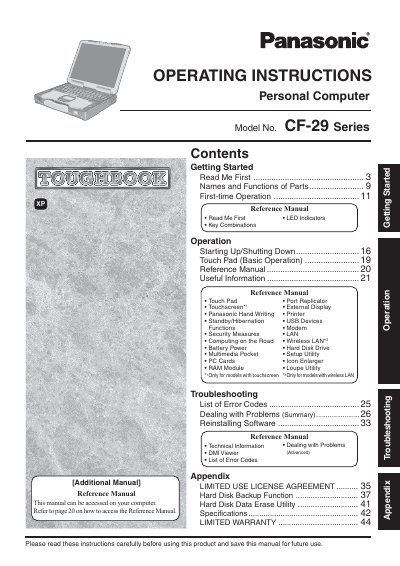

Panasonic CF29HTLGZBM Manual - cover page
Brand
Panasonic
Category
Laptops
Document type
User Manual
Language
English
Pages
48
File format
PDF
File size
3.6 MB
Published
08 August, 2012
Updated
30 September, 2023
MD5 checksum
C42FA9C36D736AB017A5EAFB885A3CDE

About this manual

This manual provides operating instructions for the Panasonic CF-29 Series Personal Computer. It includes guidance on getting started, using the touchpad and touchscreen, managing battery power, and utilizing various ports and peripherals. The document also covers security measures, multimedia features, and setup utilities.

What's inside

  • Getting Started
  • Touch Pad Operation
  • Touchscreen Functions
  • Battery Power
  • Wireless LAN
  • Troubleshooting
  • Security Measures
  • Multimedia
  • Setup Utility
  • Specifications

Frequently asked questions

What is the minimum spacing required between the wireless antenna and a person's body during wireless operation?

You must maintain a minimum spacing of 20 cm between the antenna and all parts of a person's body, excluding the extremities of hands, wrist, and feet.

What is the maximum total REN allowed on a telephone line to ensure devices ring properly?

In most areas, the sum of RENs for all devices connected to the telephone line should not exceed five (5.0).

What specific Windows version does this manual cover?

This manual covers Microsoft Windows XP Professional Service Pack 2 with Advanced Security Technologies.

Download PDF (3.6 MB)

More Panasonic Manuals


View all Panasonic manuals →