
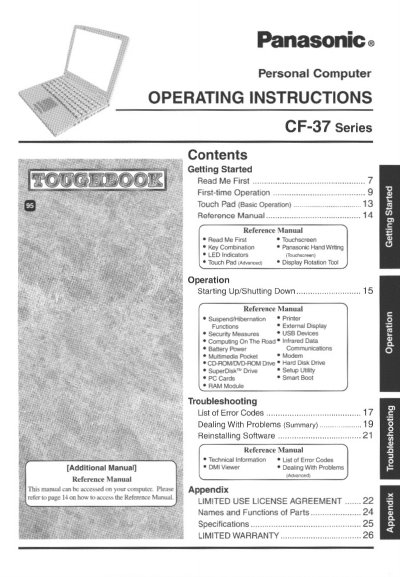
Panasonic CF-37VB62AAM Personal Computer Operating Instructions


Panasonic CF-37VB62AAM Personal Computer Operating Instructions - cover page
Brand
Panasonic
Category
Laptops
Document type
User Manual
Language
English
Pages
28
File format
PDF
File size
1.5 MB
Published
08 August, 2012
Updated
21 August, 2012
MD5 checksum
7AD169FD0F0A67CCD2122C5A102D0E04

About this manual

This document provides operating instructions for the Panasonic CF-37 Series Personal Computer, specifically the model CF-37VB62AAM. It serves as a guide for first-time operation and general use, detailing how to start up and shut down the system, manage power, and utilize various features such as the touchscreen and external displays.

The manual includes sections on security measures, connecting USB devices and PC Cards, and using multimedia capabilities. It also addresses computing on the road, infrared data communications, and modem usage. Additionally, it provides troubleshooting advice for common problems and information on reinstalling software.

What's inside

  • Getting Started
  • First-time Operation
  • Starting Up/Shutting Down
  • Suspend/Hibernation
  • Security Measures
  • USB Devices
  • Multimedia Pocket
  • Modem
  • Troubleshooting
  • List of Error Codes

Frequently asked questions

What is the model number format for this computer?

The model number is an 11-digit number located on the bottom of the computer.

What is the maximum total REN allowed on a telephone line?

The sum of RENs should not exceed five (5.0) in most areas.

Download PDF (1.5 MB)

More Panasonic Manuals


View all Panasonic manuals →