
Panasonic CF29N3L26BM Manual

This document is about the limited use license agreement for personal computer appendix, covering topics such as hard disk backup function, hard disk data erase utility, specifications, limited warranty, and troubleshooting.
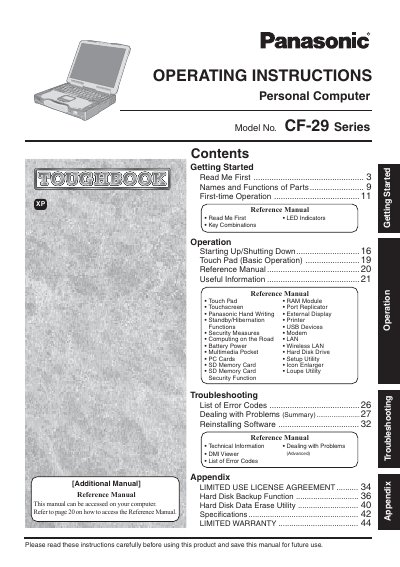

Panasonic CF29N3L26BM Manual - cover page
Brand
Panasonic
Category
Laptops
Document type
User Manual
Language
English
Pages
48
File format
PDF
File size
3.3 MB
Published
08 August, 2012
Updated
29 September, 2023
MD5 checksum
7163198C11BD3CDD192EF0D0E18CFCBA

About this manual

This manual provides operating instructions for the Panasonic CF-29 Series personal computer. It includes guidance on getting started, names and functions of parts, and first-time operation procedures. The document serves as a reference for users to properly operate their new computer.

What's inside

  • Getting Started
  • Names and Functions of Parts
  • First-time Operation
  • Reference Manual
  • Operation
  • Touch Pad
  • Touchscreen
  • Security Measures
  • Troubleshooting
  • Specifications

Frequently asked questions

What is the minimum required spacing between the wireless antenna and a person's body during operation?

The manual requires a minimum spacing of 20 cm between the antenna and all parts of a person's body.

What is the maximum total REN allowed on a telephone line to ensure all devices ring?

The sum of RENs on the telephone line should not exceed five (5.0).

What operating system is referred to as "Windows" in this manual?

The manual refers to "Microsoft Windows XP Professional Service Pack 2 with Advanced Security Technologies" as "Windows".

Download PDF (3.3 MB)

More Panasonic Manuals


View all Panasonic manuals →