
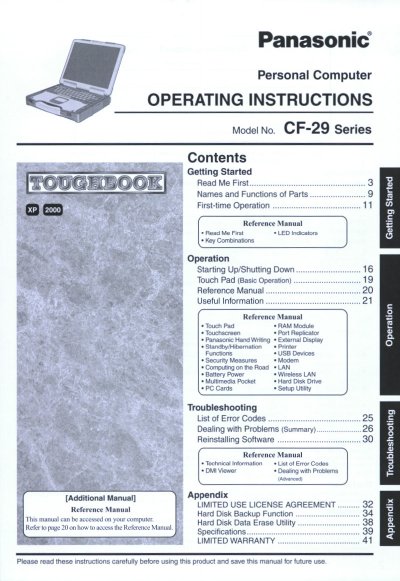
This document serves as the Operating Instructions for the Panasonic CF-29 Series Personal Computer. It provides guidance on getting started with the device, including names and functions of parts, first-time operation procedures, and key combinations for starting up and shutting down the system. The manual also details the basic operation of the Touch Pad and Touchscreen features.
The guide includes a Reference Manual section accessible on the computer itself, covering advanced topics such as RAM modules, port replicators, external displays, security measures, and multimedia usage. Additionally, it offers troubleshooting summaries, software reinstallation steps, and technical information including a list of error codes and DMI Viewer instructions.
A minimum of 2.5 cm must be provided between the antenna and all parts of a person's body during wireless operation.
The sum of RENs should not exceed five (5.0) to ensure devices ring in response to incoming calls.