
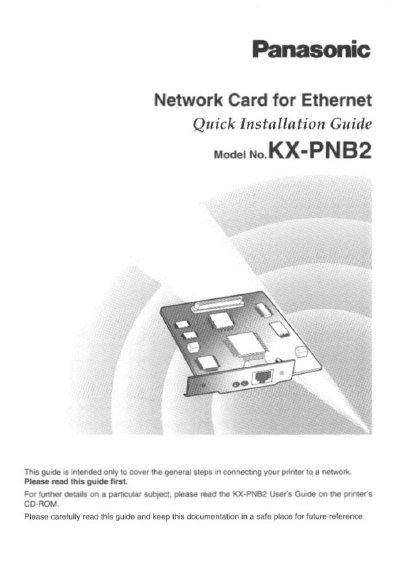
Panasonic KX-PNB2 Network Card Quick Installation Guide


Panasonic KX-PNB2 Network Card Quick Installation Guide - cover page
Brand
Panasonic
Category
Other network devices
Document type
Quick Start Guide
Language
English
Pages
32
File format
PDF
File size
791 KB
Published
08 August, 2012
Updated
21 August, 2012
MD5 checksum
ADBB40CA2810068AE37CB1774BBB9275

About this manual

This Quick Installation Guide provides general steps for connecting the Panasonic KX-PNB2 Network Card for Ethernet to a printer. It is designed specifically for use with the Panasonic Laser Printer KX-P7500 Series. The guide covers unpacking, physical installation of the card into the printer control board, and initial network configuration.

What's inside

  • Features
  • Instructions on the CD-ROM
  • Unpacking
  • Installing the Network Card
  • Selecting the Network Print Method
  • Printing Directly from a Computer
  • Printing through the Shared Computer (Server)
  • By Using the Network Setup Tool
  • By Using the Web Browser

Specifications

Network Speed100Base-TX and 10Base-T
Compatible PrintersPanasonic Laser Printer KX-P7500 Series
Operating SystemsWindows 95/98/NT 4.0, NetWare, Unix, Macintosh, Linux

Frequently asked questions

What printer series is the KX-PNB2 Network Card designed for?

It is designed for use with the Panasonic Laser Printer KX-P7500 Series.

How can the Network Card be set up?

You can set it up using the printer's operator panel display, the Network Setup Tool, or a web browser.

What should be done before installing the Network Card?

Turn OFF the printer and discharge any static electricity by touching an exposed metal surface.

Download PDF (791 KB)

More Panasonic Manuals


View all Panasonic manuals →