
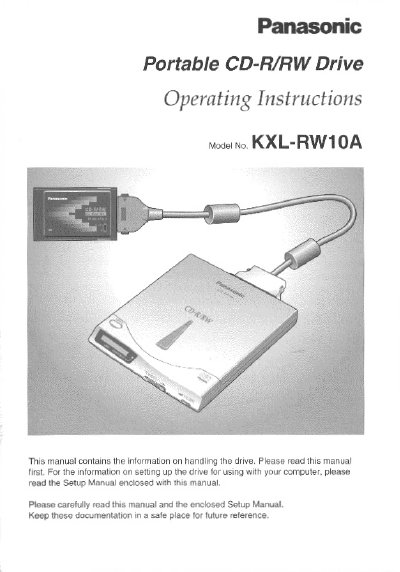
This manual provides operating instructions for the Panasonic KXL-RW10A Portable CD-R/RW Drive. It details how to set up the device with a computer using the supplied interface card and explains the different modes available for reading and writing data on various media types.
The document outlines specific performance capabilities, including maximum transfer rates for CardBus and 16-bit modes, as well as supported writing speeds. It also includes important safety warnings regarding laser radiation and FCC compliance information.
| Weight | less than 12.7 ounces (approx. 360 g) |
|---|---|
| Maximum Reading Transfer Rate | 20X (CardBus mode only) |
| CardBus Mode Speed | 3000 KB/s (Max.) |
| 16 bit Mode Speed | 2700 KB/s (Max.) |
| Writing Performance | 4X, 300 KB/s (2X), 150 KB/s (Normal speed) |
| Laser Wave length | 778 - 787 nm |
The maximum reading transfer rate is 20X, which equals 3000 KB/s.
The drive supports 4X, 2X, and Normal speed modes.
The supplied Easy CD Creator or DirectCD writing software is used.