
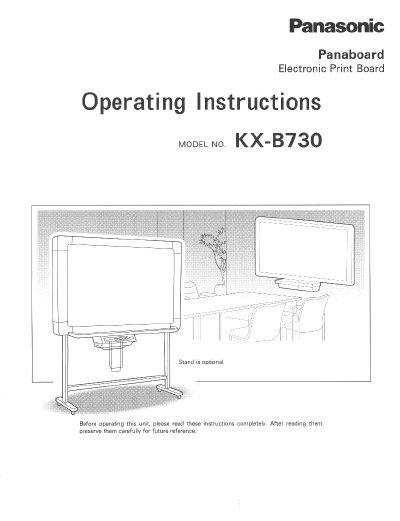
This document provides operating instructions for the Panasonic KX-B730 Panaboard Electronic Print Board. It details how to load copy paper, operate the control panel keys for copying and screen navigation, and perform basic troubleshooting for common issues like paper jams or faint copies.
The manual also includes specific care and cleaning procedures for the film screen, printer head, and eraser. It specifies environmental requirements such as minimum room temperature (10°C) and lists safety precautions regarding power usage and moisture exposure.
| Power Supply | AC 120V, 60Hz only |
|---|---|
| Copy Paper Core Diameter | 25.4 mm (1 inch) or more |
| Copied Paper Holder Capacity | Up to 10 copies |
The unit should not be used if the temperature is lower than 10°C (50°F).
Press the Multi-Copy/Stop Key until the desired number of copies is displayed, then press the Copy Key.