
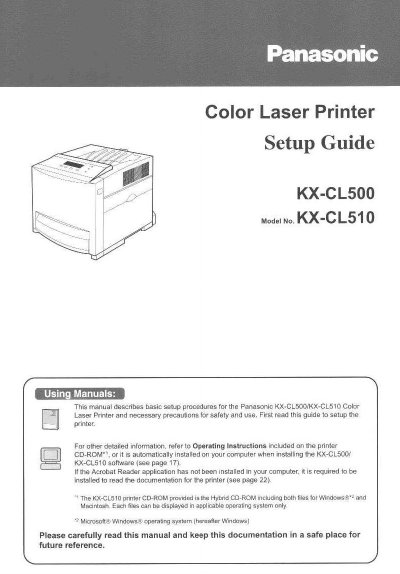
Panasonic KX-CL500/KX-CL510 Color Laser Printer Setup Guide


Panasonic KX-CL500/KX-CL510 Color Laser Printer Setup Guide - cover page
Brand
Panasonic
Category
Printer
Document type
User Manual
Language
English
Pages
32
File format
PDF
File size
1.3 MB
Published
08 August, 2012
Updated
31 August, 2012
MD5 checksum
B969E66CC3E780A8AF293FED048C7242

About this manual

This document serves as a setup guide for the Panasonic KX-CL500 and KX-CL510 Color Laser Printers. It outlines essential safety warnings, including laser radiation hazards (Class 1), ozone release precautions, and proper power source requirements. The manual also details environmental conditions required for operation to prevent malfunction.

What's inside

  • For Your Safety
  • Power Source
  • Laser Safety
  • Ozone Release
  • Moving the Unit
  • Waste Disposal
  • Caution Labels
  • Before You Start
  • Setting up the Printer
  • Installing Software

Specifications

Laser Output5 mW max
Laser Wavelength785 nm
Emission DurationContinuous
Weightapproximately 30 kg (66 lbs.)

Frequently asked questions

What are the operating temperature requirements?

The equipment should not be used in temperatures below 10°C or above 32.5°C.

What is the recommended humidity range?

The printer should be operated in a humidity range of 15% to 80% RH.

How much space is needed for ventilation?

There must be more than 20 mm (0.8") between the printer and a wall.

Download PDF (1.3 MB)

More Panasonic Manuals


View all Panasonic manuals →