
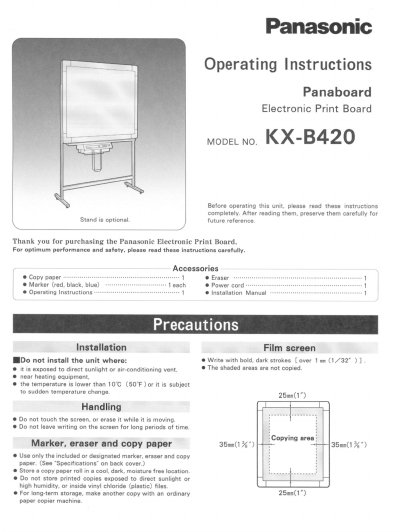
This document provides operating instructions for the Panasonic KX-B420 Electronic Print Board. It details the necessary accessories, safety precautions regarding placement and usage, and step-by-step procedures for loading copy paper rolls and powering on the unit.
The guide also covers how to operate the control panel to make copies of charts or writing, including methods for advancing screens and copying graphs. A troubleshooting section addresses common issues such as power failures, paper jams, faint prints, and dirty printer heads, along with specific cleaning instructions for the film screen and print head.
| Power Consumption (Operating) | 146A |
|---|---|
| Copy Speed | 20-second |
| Ambient Temperature | 10°C (50°F) ~45°C (55°F) |
| Copy Density | 8 dots/cm |
| Paper Type | Heat-Sensitive Roll Paper |
Wipe it gently with a cotton swab dipped in ethyl alcohol while the printer door is open.
The unit cannot operate properly if the room temperature drops below 10°C (50°F).
The device must be connected to an AC outlet providing 120V at 60Hz.
The copied paper holder is designed to hold up to 10 copies.