
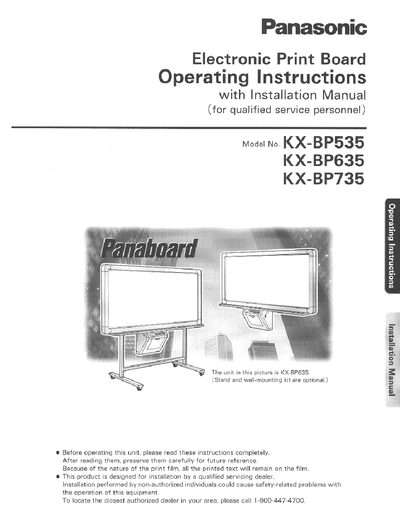
This manual provides safety precautions, installation guidance, and detailed operating procedures for Panasonic electronic print boards. It is intended for qualified service personnel and includes warnings about moisture, electrical shock, and proper placement of the unit.
The document covers loading and replacing the thermal transfer film, loading copy paper, using the control panel, wall‑mounting options, troubleshooting, and specifications. It also lists required accessories and maintenance tips to ensure reliable performance.
| Thermal transfer film length (standard roll) | approximately 100 meters (328 ft.) |
|---|---|
| Maximum copy paper capacity | up to 80 sheets of Letter size paper |
| Recommended copy paper weight | 60 to 90 g/m² |
One roll of the designated film can print approximately 300 copies.
Only Letter size copy paper weighing 60‑90 g/m² should be used; glossy, coated, thermal, or single‑sided paper is not recommended.