
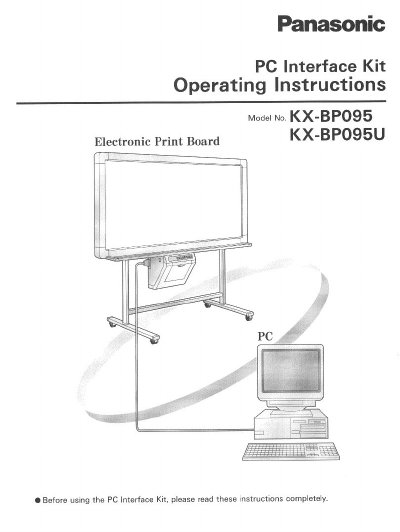
This manual provides operating instructions for the Panasonic KX-BP095 PC Interface Kit. The kit is an optional software product designed to scan images from KX-BP735, BP635, and BP535 series Electronic Print Boards into a PC running Microsoft Windows or Windows NT, and to print documents from the PC to an Electronic Print Board Printer.
To use the kit, users must have the compatible Electronic Print Board and an IBM PC/AT or compatible machine. The manual details the installation of the PC Interface Board, the connection of the proprietary interface cable, and the installation of the PC Interface Software, TWAIN Driver, and Printer Driver for various Windows operating systems.
| Compatible Print Boards | KX-BP735, BP635, BP535 series |
|---|---|
| Compatible PC Software | Windows 3.1, Windows 95, Windows 98, Windows NT 3.51, Windows NT 4.0, Windows 2000 |
| Minimum Memory (PC Interface) | 2MB free memory |
| Minimum Hard Disk (PC Interface) | 2MB free memory |
| Minimum Memory (TWAIN/Printer Driver) | 1MB free memory |
| Minimum Hard Disk (TWAIN/Printer Driver) | 1MB free memory |
| Interface Cable Connector | 36-pin Centronics and 25-pin D-Sub |
It allows the screen feed and copy functions of the Electronic Print Board to be operated from a PC, and it scans, displays, and saves images.
The kit supports saving images in BMP or TIFF file formats.
Yes, the Printer Driver allows printing to the KX-BP735, BP635, or BP535 series Electronic Print Board from application software on the computer.
The TWAIN Driver supports Windows 95, Windows 98, Windows NT 4.0, and Windows 2000.