
Panasonic PT-D3500U Projector Operating Instructions

This PDF document is a guide for operating the DLPTM based projector for commercial use. It provides complete operating instructions and introduces the performance and features of the Panasonic DLPTM based projector.
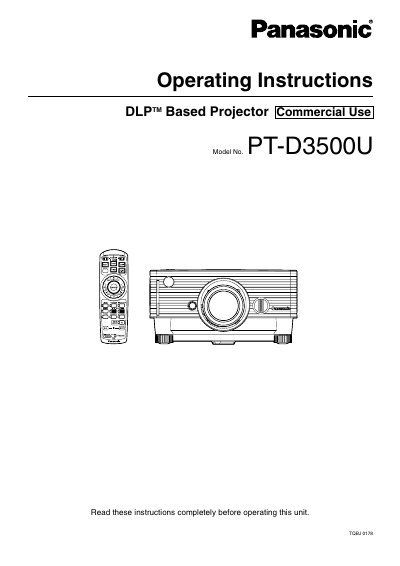

Panasonic PT-D3500U Projector Operating Instructions - cover page
Brand
Panasonic
Category

Document type
User Manual
Language
English
Pages
72
File format
PDF
File size
3.2 MB
Published
07 August, 2012
Updated
28 September, 2023
MD5 checksum
12C88CEE53649FDE732079D1E38E0C87

About this manual

This manual provides operating instructions for the Panasonic PT-D3500U commercial use projector. It details safety precautions, installation methods, and how to connect various devices such as PCs and AV products.

The guide explains how to power the unit on and off, adjust lens focus and zoom, and configure on-screen menus for picture and audio settings. It also covers advanced features like Web Browser Control, network configuration, and PJLink protocol usage.

What's inside

  • IMPORTANT SAFETY NOTICE
  • Precautions with regard to safety
  • Accessories
  • Remote control
  • Installation
  • Projection schemes
  • Connection
  • On-screen menus
  • Adjusting the picture
  • Specifications

Frequently asked questions

What is the model number of this Panasonic projector?

The model number for this unit is PT-D3500U.

Where can I find the serial number on the projector?

You should look on the back of the product to locate the serial number.

Download PDF (3.2 MB)

More Panasonic Manuals


View all Panasonic manuals →