
This is a document about operating instructions for DLPTM-based projector for commercial use. The document provides operating information for DLPTM-based projector and describes its features and characteristics.
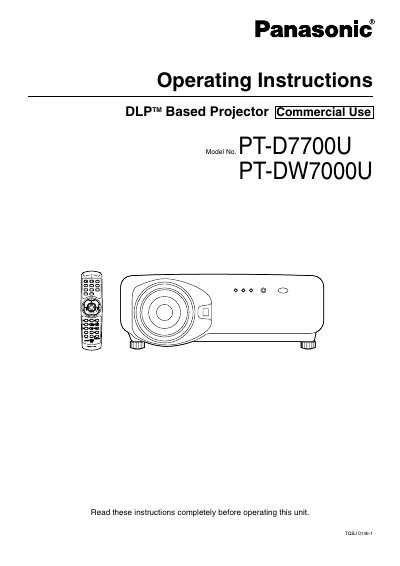
This document provides comprehensive operating instructions for the Panasonic PT-D7700U and PT-DW7000U DLP-based projectors intended for commercial use. It covers essential safety precautions, installation procedures including leveling and lens mounting, and detailed connection guides for various input modules such as video, PC, and digital signals. The manual also explains how to use the remote control and wired mouse functions.
The guide details the operation of the projector's on-screen menus, including picture adjustments like contrast, brightness, and color temperature, as well as advanced features like Digital Cinema Reality and RGB Reality modes. It further covers system settings, network module configuration, and maintenance procedures such as cleaning air filters and replacing the lamp unit.
| Product Type | DLP Based Projector |
|---|---|
| Models Covered | PT-D7700U / PT-DW7000U |
Turn off the power and disconnect the power cord from the wall outlet immediately, then contact an Authorized Service Center.
No, the equipment is not approved for use in such environments.
The equipment is equipped with a three-pin grounding-type power plug that must be inserted into a grounding-type power outlet.