
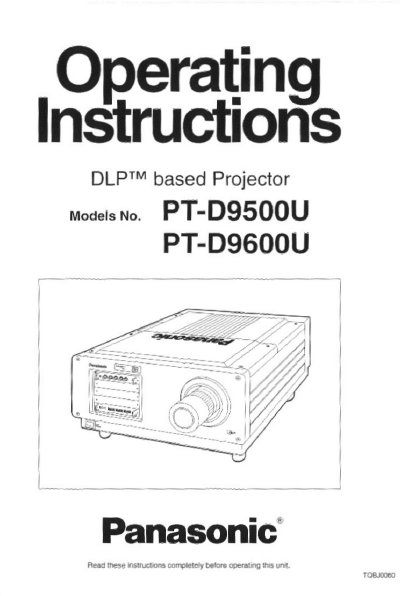
Panasonic PT-D9500U DLP Projector Operating Instructions


Panasonic PT-D9500U DLP Projector Operating Instructions - cover page
Brand
Panasonic
Category
Projector
Document type
User Manual
Language
English
Pages
80
File format
PDF
File size
2.5 MB
Published
07 August, 2012
Updated
07 August, 2012
MD5 checksum
2665289864322D10B28220EDBC7767A9

About this manual

This manual provides operating instructions for the Panasonic PT-D9500U DLP-based projector. It covers product outlines, safety notices, and the functions of the projector and remote control. The document guides users through the setup process, including installing the projection lens, setting up the projector, connecting input modules, and adjusting picture settings.

What's inside

  • Product outline
  • Important safety notice
  • Name and function of each remote control part
  • Turning the power on and Off
  • On-screen menu operation guide
  • Installing the projection lens
  • Setting up the Projector
  • Adjusting the picture automatically
  • Replacing the lamp unit
  • Specifications

Specifications

Power Supply200 V — 240 V, 50 Hz/60 Hz AC
DMD Chip Size (PT-D9500U)0.9-inch
Display Resolution (PT-D9500U)1 024 x 768 dots
Dot Clock Frequency Range20 MHz to 162 MHz
Projection Screen Size Range100 inches to 600 inches

Frequently asked questions

What is the aspect ratio of the DMD chip for the PT-D9500U?

The aspect ratio of the DMD chip is 4:3 for the PT-D9500U.

Can the projector be controlled by a personal computer?

Yes, the projector is equipped with an RS-232C connector for control by a personal computer.

What is the power consumption of the xenon lamp?

The projector utilizes a high-output 1 600 W xenon lamp.

Download PDF (2.5 MB)

More Panasonic Manuals


View all Panasonic manuals →