
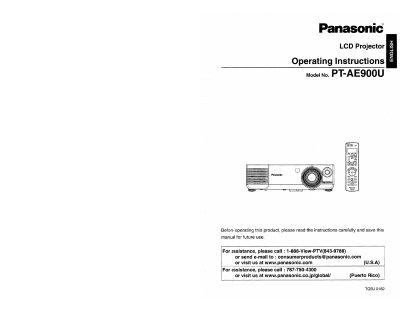
This document serves as the operating instructions manual for the Panasonic PT-AE900U LCD Projector. It provides comprehensive guidance on safety precautions, initial setup including lens shift functions, and connecting various video equipment via HDMI or serial interfaces.
The guide details basic operations such as turning power on and off, adjusting picture modes (Cinema Reality, sRGB), and configuring the On-Screen Display menus for position and color. It also includes sections on care and maintenance, specifically instructions for cleaning air filters and replacing the lamp unit.
The LCD Projector is designed to operate on 100 V - 240 V, 50 Hz/60 Hz AC, house current only.
No, the supplied accessory cord can only be used for power supplies up to 125 V, 7 A; a separate 250 V cord is needed otherwise.
Disconnect the power cord plug immediately and contact an Authorized Service Center; do not attempt self-repair.