
Panasonic PT-AE300U LCD Projector Operating Instructions

This is the operating instructions for Panasonic brand PT-AE300U PT-AE200U LCD Projector
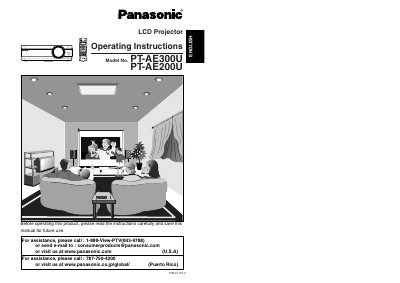

Panasonic PT-AE300U LCD Projector Operating Instructions - cover page
Brand
Panasonic
Category
Projector
Document type
User Manual
Language
English
Pages
34
File format
PDF
File size
1.1 MB
Published
07 August, 2012
Updated
30 September, 2023
MD5 checksum
FF00A71271E3799CE26FE037D66441DE

About this manual

This manual provides operating instructions for the Panasonic PT-AE300U LCD projector. It includes safety precautions, preparation steps, and detailed guidance on connecting the projector to various video and computer equipment. The document explains how to use the remote control, adjust picture settings, and operate the on-screen menus.

What's inside

  • Preparation
  • Precautions with regard to safety
  • Using the remote control unit
  • Connections
  • Basic Operation
  • On-screen menus
  • Adjusting the picture
  • Advanced Operation
  • Cleaning and replacing the air filter
  • Specifications

Specifications

Power Supply100 V - 240 V, 50 Hz/60 Hz AC

Frequently asked questions

What should I do if smoke or a strange smell comes from the projector?

Turn off the power and disconnect the power cord from the wall outlet immediately.

Can I repair the projector myself?

No, do not attempt to repair the projector yourself as this can be dangerous.

Download PDF (1.1 MB)

More Panasonic Manuals


View all Panasonic manuals →