
This instruction booklet provides all the necessary operating information that you might require for Panasonic PT-AE500U LCD projector.
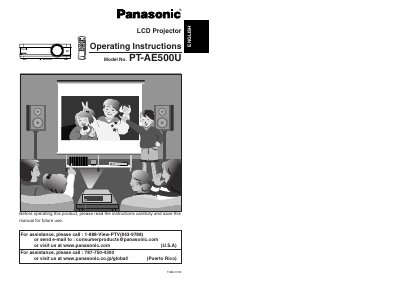
This document is the English Operating Instructions for the Panasonic PT-AE500U LCD Projector. It provides comprehensive guidance for users on preparing the device, connecting it to various sources like computers and YPBPR signals, and performing basic operations such as turning the power on and off. The manual details how to adjust picture settings including brightness, color, and aspect ratio, as well as how to correct keystone distortion and adjust the projection position.
| Power Supply | 100 V - 240 V, 50 Hz/60 Hz AC |
|---|
Turn off the power and disconnect the power cord from the wall outlet immediately.
No, you should not attempt to repair the projector yourself as it can be dangerous.