
Panasonic PT-D9510U/PT-D9610U DLP Projector Operating Instructions

This document is the instruction manual of Panasonic PT-D9510U/PT-D9610U projector
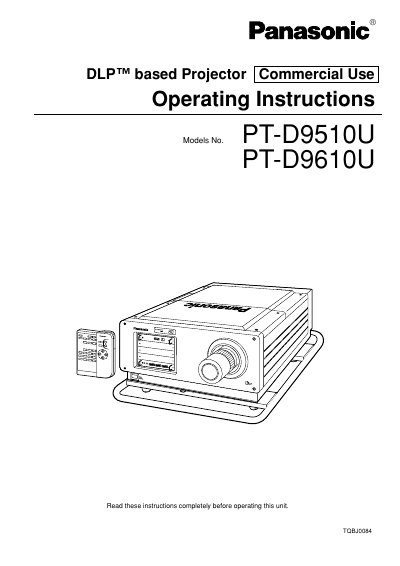

Panasonic PT-D9510U/PT-D9610U DLP Projector Operating Instructions - cover page
Brand
Panasonic
Category
Projector
Document type
User Manual
Language
English
Pages
100
File format
PDF
File size
1.8 MB
Published
07 August, 2012
Updated
30 September, 2023
MD5 checksum
C84416123183EFFC7812ACE756B39FCB

About this manual

This manual provides operating instructions for the Panasonic PT-D9510U and PT-D9610U commercial-use DLP™ based projectors. It details features such as network control, edge blending, and compatibility with various input signals including SDI and TMDS digital interfaces. The document guides users through installation, lens adjustment, and picture optimization.

What's inside

  • Features
  • Important Safety Notice
  • Precautions with regards to Safety
  • Name and function of each part
  • Turning the power on and off
  • On-screen menu operation guide
  • Installing the projection lens
  • Setting up the projector
  • Adjusting the picture automatically
  • Replacing the lamp unit

Specifications

Contrast Ratio1000:1
Power Supply200 V — 240 V, 50 Hz/60 Hz AC
Display Resolution (PT-D9510U)1 024 x 768 dots
Display Resolution (PT-D9610U)1 280 x 1 024 dots
Input Signal Range20 MHz to 162 MHz

Frequently asked questions

What is the aspect ratio for the PT-D9510U?

The DMD™ chip's aspect ratio is 4:3 on the PT-D9510U.

What is the aspect ratio for the PT-D9610U?

The DMD™ chip's aspect ratio is 5:4 on the PT-D9610U.

Can this projector be controlled by a PC?

Yes, it can be controlled from a PC using a LAN interface.

Download PDF (1.8 MB)

More Panasonic Manuals


View all Panasonic manuals →