
Panasonic PT-AE700U LCD Projector Operating Instructions

This document provides operating instructions for the Panasonic PT-AE700U LCD projector.
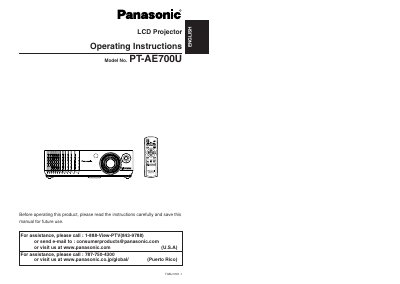

Panasonic PT-AE700U LCD Projector Operating Instructions - cover page
Brand
Panasonic
Category
Projector
Document type
User Manual
Language
English
Pages
32
File format
PDF
File size
1.6 MB
Published
07 August, 2012
Updated
30 September, 2023
MD5 checksum
FF2EBADB49A1115449A9AF5B489A081A

About this manual

This manual provides operating instructions for the Panasonic PT-AE700U LCD Projector. It includes safety notices, preparation steps, and guidance on setting up the device for various projection methods such as front, rear, ceiling, and desk mounting.

The document details how to connect the projector to video equipment, computers via HDMI, and other peripherals. It covers basic operations like turning power on and off, adjusting picture settings including contrast, brightness, and color management, and correcting keystone distortion.

What's inside

  • Precautions with regard to safety
  • Getting started
  • Setting-Up
  • CONNECTIONS
  • Basic operation
  • Useful functions
  • Adjusting the picture
  • Adjusting the position
  • Care and maintenance
  • Specifications

Specifications

Power Supply100 V - 240 V, 50 Hz/60 Hz AC

Frequently asked questions

Where can I find the serial number of my projector?

The serial number may be found on the bottom of the product.

What should I do if I notice smoke or strange smells from the projector?

Disconnect the power cord plug immediately and contact an Authorized Service Center.

Download PDF (1.6 MB)

More Panasonic Manuals


View all Panasonic manuals →