
Panasonic PT-AE4000U LCD Projector Operating Instructions

This document is an operating instruction for the Panasonic PT-AE4000U LCD projector. It includes important information such as safety notices and power supply requirements.
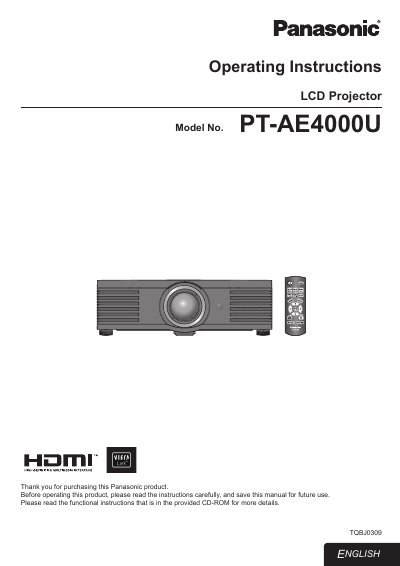

Panasonic PT-AE4000U LCD Projector Operating Instructions - cover page
Brand
Panasonic
Category
Projector
Document type
User Manual
Language
English
Pages
36
File format
PDF
File size
4 MB
Published
07 August, 2012
Updated
28 September, 2023
MD5 checksum
5B5D480077CCA6611CD27B3ED7F75A68

About this manual

This manual provides operating instructions for the Panasonic PT-AE4000U High-Definition Multimedia Interface LCD Projector. It includes safety notices, quick start steps, and detailed guidance on setting up the device, connecting it to other equipment, and adjusting the image.

What's inside

  • Important Safety Notice
  • Setting Up
  • Connections
  • Remote Control
  • Switching the Projector On/Off
  • Menu Navigation
  • VIERA Link
  • Maintenance
  • Troubleshooting
  • Specifications

Frequently asked questions

What voltage range can this projector operate on?

The LCD Projector is designed to operate on 100 V - 240 V, 50 Hz/60 Hz AC house current.

What type of power cord is required for voltages higher than 125 V?

You must obtain a separate 250 V power cord if you need to use higher voltages or currents.

Where is the serial number located on the projector?

The serial number may be found on the bottom of the product.

Download PDF (4 MB)

More Panasonic Manuals


View all Panasonic manuals →