
This user manual provides all the necessary operating information for the PT-AX100U projector, including connecting the power, installing the projector, using the remote control and using the projector.
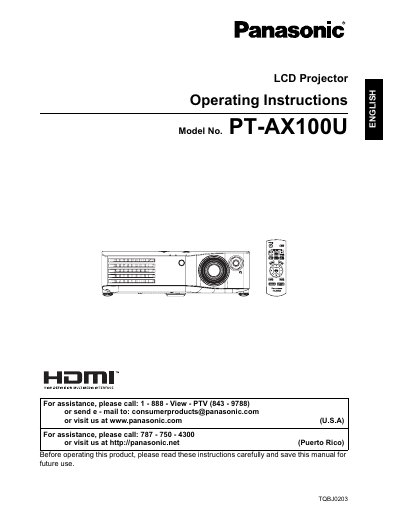
This manual provides operating instructions for the Panasonic PT-AX100U High-Definition Multimedia Interface LCD Projector. It includes safety notices, quick start steps, and detailed guidance on setting up the projector, connecting various devices, and adjusting the image. The document covers basic operations such as switching the projector on and off, selecting input signals, and navigating the on-screen menu to adjust picture settings like brightness, contrast, and color temperature. It also explains how to replace the lamp unit and provides troubleshooting tips.
| Power Supply | 100 V - 240 V, 50 Hz/60 Hz AC |
|---|
Disconnect the power cord plug from the wall outlet immediately and do not continue to use the projector.
The projector is designed to operate on 100 V - 240 V, 50 Hz/60 Hz AC house current.
You must obtain a separate 250 V power cord if you need to use higher voltages or currents than 125 V, 7 A.