
This document is the operating instructions for the Panasonic PT-AE3000U projector, mainly introducing the connection, operation and adjustment of the projector.
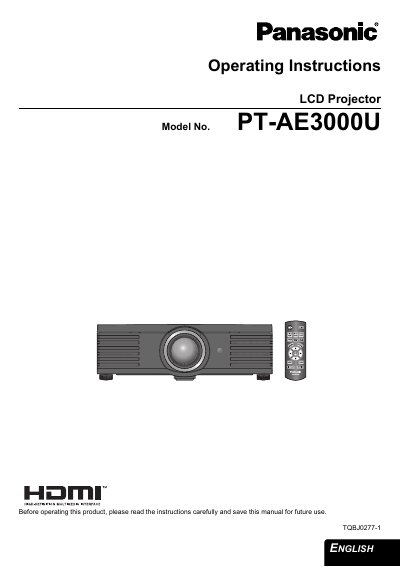
This manual provides operating instructions for the Panasonic PT-AE3000U LCD Projector. It covers essential safety notices, initial setup procedures including screen size determination and lens positioning, and connection methods for various input signals such as HDMI and Component video.
The guide details how to switch the projector on and off, navigate the menu system to adjust picture settings like contrast and brightness, and manage lamp runtime. It also includes sections on maintenance, specifically cleaning the projector and replacing the lamp unit, along with troubleshooting steps.
| Power Supply | 100 V - 240 V, 50 Hz/60 Hz AC |
|---|---|
| Product Type | LCD Projector |
The projector is designed to operate on 100 V - 240 V, 50 Hz/60 Hz AC house current only.
No, the accessory cord can only be used for power supplies up to 125 V, 7 A; a separate 250 V cord is needed for higher voltages.
Yes, the product has a High Intensity Discharge (HID) lamp that contains mercury.