
Sanyo PLC-XF45 Multimedia Projector Owner's Manual

This document is the user manual for PLC-XF45 multimedia projector, which introduces the features and characteristics of the projector, usage methods and precautions etc.
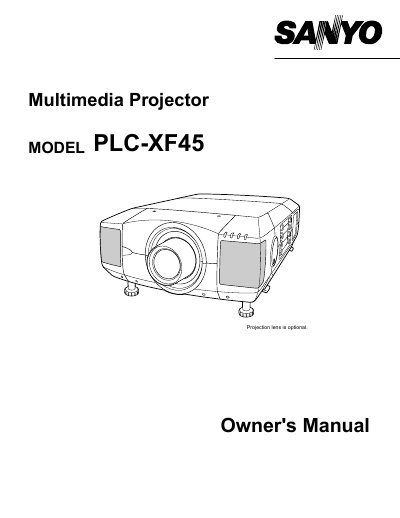

Sanyo PLC-XF45 Multimedia Projector Owner's Manual - cover page
Brand
Sanyo
Category
Projector
Document type
User Manual
Language
English
Pages
56
File format
PDF
File size
946 KB
Published
03 August, 2012
Updated
30 September, 2023
MD5 checksum
91C011E2DFF92086CC28CA1E468FB727

About this manual

This document is the Owner's Manual for the Sanyo PLC-XF45 multimedia projector. It covers safety precautions, features, and design details before guiding the user through setup procedures such as connecting power, installing the lens, and positioning the unit. The guide also details how to connect various input sources including computers and video equipment.

What's inside

  • Features and Design
  • Preparation
  • Setting-Up Projector
  • Connecting Projector
  • Before Operation
  • Basic Operation
  • Maintenance
  • Troubleshooting
  • Technical Specifications

Frequently asked questions

What is the minimum distance required between the projector and the cabinet when it is built into an enclosure?

The manual states that a minimum distance of 50cm must be maintained on the top, sides, and rear of the projector.

How long must the LASER button be pressed to activate the laser pointer function?

The remote control unit emits the laser beam when the LASER button is pressed for 1 minute.

What type of fuse must be used to replace the fuse in the AC Power Cord for the United Kingdom?

An ASTA approved BS 1362 fuse of the same rating must be used if the fuse needs to be replaced.

Download PDF (946 KB)

More Sanyo Manuals


View all Sanyo manuals →