
Sanyo PLC-XP21N/PLC-XP18N Multimedia Projector Owner's Manual

This file is the user manual of Canon PLC-XP21N projector
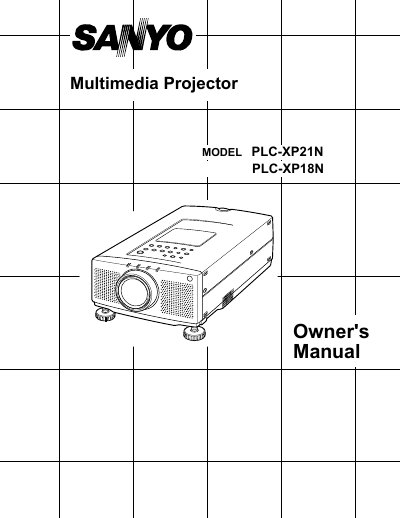

Sanyo PLC-XP21N/PLC-XP18N Multimedia Projector Owner's Manual - cover page
Brand
Sanyo
Category
Projector
Document type
User Manual
Language
English
Pages
54
File format
PDF
File size
837 KB
Published
03 August, 2012
Updated
30 September, 2023
MD5 checksum
1828024AA18DBCEA84CDC10EBD1E23F0

About this manual

This document serves as the Owner's Manual for the Sanyo PLC-XP21N and PLC-XP18N multimedia projectors. It covers features such as automatic multiscreening, multilanguage menu display, and a built-in laser pointer function. The guide details compatibility with IBM-compatible and Apple Macintosh computers, as well as various video equipment standards like NTSC and PAL.

What's inside

  • Features and Design
  • Unpacking the Projector
  • Installation
  • Connecting the Projector
  • Controls and Indicators
  • Operation of the Remote Control
  • Menu Operation
  • Maintenance
  • Troubleshooting
  • Technical Specifications

Specifications

Image Resolution1024 x 768
Compatible Resolutions1280 x 1024
Color Palette16.77 million colors
Display Technologyactive matrix liquid crystal display (LCD)

Frequently asked questions

What languages are available for the menu display?

The menu can be displayed in English, German, French, Italian, Spanish, and Japanese.

Can the projector display resolutions higher than 1280 x 1024?

No, the projector cannot display screen resolutions above 1280 x 1024.

What video standards is the projector compatible with?

It supports worldwide video standards including NTSC, NTSC4.43, PAL, PAL-M, PAL-N, and SECAM.

Download PDF (837 KB)

More Sanyo Manuals


View all Sanyo manuals →