
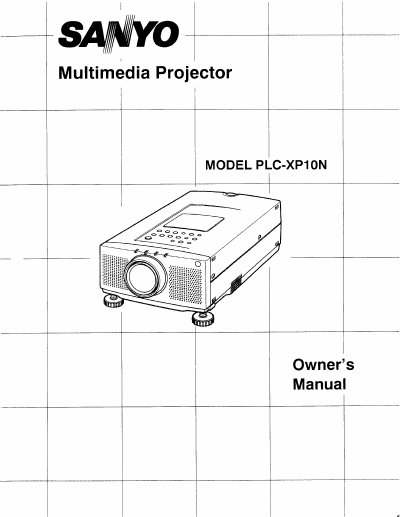
Sanyo PLC-XP10N Multimedia Projector Owner's Manual


Sanyo PLC-XP10N Multimedia Projector Owner's Manual - cover page
Brand
Sanyo
Category
Projector
Document type
User Manual
Language
English
Pages
52
File format
PDF
File size
2.3 MB
Published
03 August, 2012
Updated
27 August, 2012
MD5 checksum
C67725853E95DB9794E76A97F01DEC04

About this manual

The Sanyo PLC-XP10N is a portable multimedia projector designed for ease of use with built-in features and active matrix LCD technology. It supports various computer systems including IBM-compatible and Macintosh computers, as well as diverse video standards like NTSC, PAL, and SECAM.

What's inside

  • Introduction
  • Compatibility
  • Power Requirements
  • Setting Up the Projector
  • Connecting the Computer
  • Connecting Video Equipment
  • Menu Operation
  • Picture Image Adjustment
  • Lamp Replacement
  • Troubleshooting

Specifications

Image Resolution1024 x 768
Input Voltage100-120 VAC

Frequently asked questions

What is the maximum screen resolution supported?

The projector displays images up to a resolution of 1280 x 1024.

Which video standards does the projector support?

It supports NTSC, NTSC4.43, PAL, SECAM, and PAL-M.

What happens if the screen resolution is higher than 1280 x 1024?

The projector cannot display it; you must reset your computer's screen resolution to a lower setting.

Download PDF (2.3 MB)

More Sanyo Manuals


View all Sanyo manuals →