
This manual introduces the features and design of PLC-XF60/PLC-EF60 Multimedia Projector, as well as its compatibility, simple computer system setting, control methods, vertical and horizontal lens shift and memory, one-touch removable filter and filter LED.
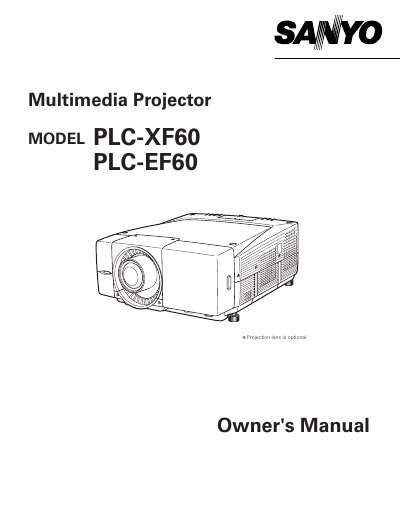
The Sanyo PLC-XF60 and PLC-EF60 are multimedia projectors designed with advanced technology for portability and ease of use. They feature a matrix liquid crystal display (LCD) capable of reproducing 16.77 million colors and support various input signals including analog and digital computer sources, multiple TV color systems, component video, S-video, and HDCP-compatible digital video.
| Display Technology | matrix liquid crystal display (LCD) |
|---|---|
| Color Palette | 16.77 million colors |
Do not stare directly into the lens as possible, because this projector produces intense light from the projection lens and eye damage could result.
No, this projector is not for use in a computer room as defined in the Standard for the Protection of Electronic Computer/Data Processing Equipment.