
SANYO PLC-XF35/XF35NL/XF35N user manual(1)

This document is the user manual of Philips PLC-XF35N multimedia projector. It introduces the features and characteristics of the projector and how to use it.
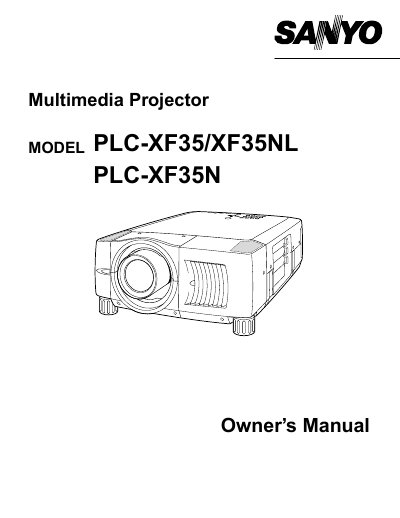

SANYO PLC-XF35/XF35NL/XF35N user manual(1) - cover page
Brand
Sanyo
Category
Projector
Document type
User Manual
Language
English
Pages
52
File format
PDF
File size
911 KB
Published
03 August, 2012
Updated
30 September, 2023
MD5 checksum
D3F41845D45087497432C848BEC6F55C

About this manual

The document serves as an owner's manual for the Sanyo PLC-XF35, PLC-XF35NL, and PLC-XF35N multimedia projectors. It covers essential safety precautions, including warnings about intense light from the projection lens and proper ventilation requirements to prevent overheating.

What's inside

  • Safety Instructions
  • Features and Design
  • Preparing the Projector
  • Connecting AC Power Cord
  • Lens Installation
  • Positioning Projector
  • Computer Mode Operation
  • Video Mode Operation
  • Maintenance
  • Troubleshooting

Specifications

Product TypeMultimedia Projector

Frequently asked questions

What safety distance must be maintained around the projector for cooling?

You must maintain a minimum distance of 50 cm on the top, sides, and rear of the projector to allow for air circulation.

How long can the laser pointer function be used continuously?

The laser pointer function can be used for a maximum of 1 minute while the LASER button is pressed.

What type of fuse is required if the UK power cord fuse needs replacement?

You must use an ASTA approved BS 1362 fuse of the same rating marked with the symbol @.

Download PDF (911 KB)

More Sanyo Manuals


View all Sanyo manuals →