
This document is the owner's manual for the PLC-XP40 Multimedia Projector, providing convenient features and instructions for proper operation and maintenance of the projector, emphasizing the importance of correct operation for product lifespan and safety.
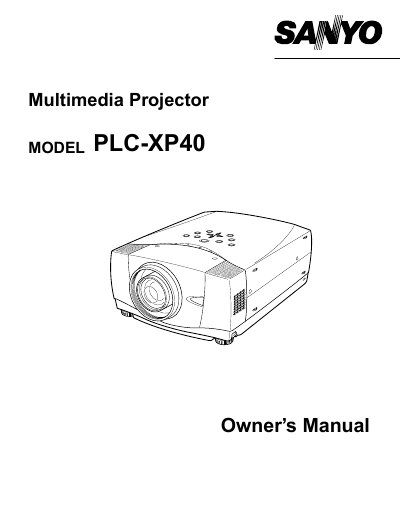
This document is the Owner's Manual for the Sanyo PLC-XP40 multimedia projector. It provides essential safety warnings regarding fire hazards, electric shock, and eye damage from intense light or laser pointers. The manual instructs users on proper ventilation requirements to prevent overheating and outlines conditions under which servicing by qualified personnel is required.
Do not stare directly into the lens because intense light is produced, which could cause eye damage.
You must take appropriate space on the top, sides, and rear of the projector to allow air circulation.
Unplug the projector from the power outlet to prevent damage due to lightning or power line surges.